

BEI Monthly Newsletter – August: Small Habits, Big Security
Log In. Stay Connected. Reboot Weekly.
When it comes to cybersecurity and technology, it’s often the small habits that make the biggest difference. Something as simple as logging into your computer each day, leaving it powered on overnight, and restarting it regularly can help keep your systems secure, updated, and running smoothly.
This month, we’re highlighting a few easy habits that support both productivity and security. By staying connected and giving your computer a fresh start each week, you’ll help ensure critical updates are installed, security protections remain current, and your technology performs at its best.
Here’s what we’re sharing this month:
- Featured Blog: The 3-Step Routine for a Healthier Computer
- Tips & Tricks: Computer Basics Best Practices
- Featured Service: Unified Communications
- Labor Day Notice
- What’s New in Microsoft
- Ask BEI: “Why does BEI recommend restarting my computer every week?”
- Cybersecurity Corner: Don’t Ignore Update Prompts
💬 We’d love to hear from you! If there’s a topic you’d like us to cover or a question you want answered, feel free to suggest it. This newsletter is for you—and your input helps us make it even better.
Featured Blog: The Three-Step Routine for a Healthier Computer
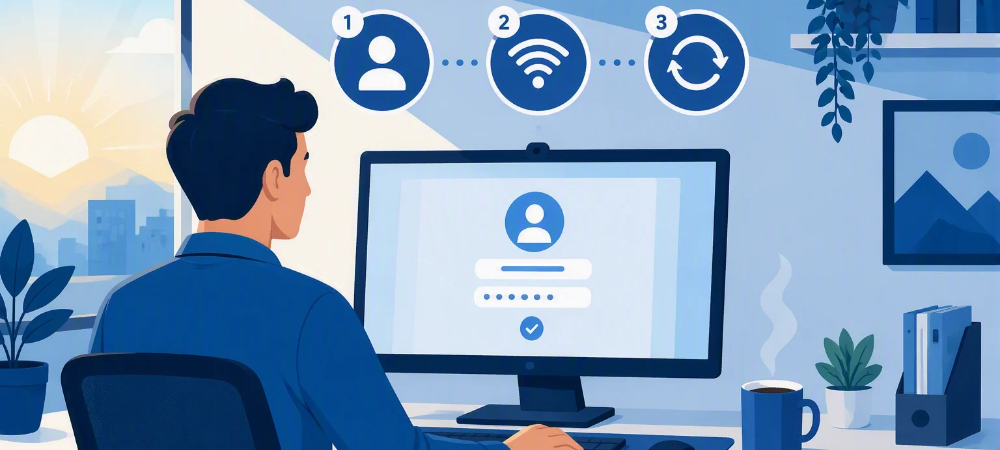
To keep your computer running smoothly, sometimes the simplest habits make the biggest difference. In our latest blog, we cover three easy steps that help improve performance, support critical security updates, and reduce preventable IT issues:
Log In. Stay Connected. Reboot Weekly.
These small actions help ensure your device stays secure, up to date, and ready to support your workday. Read the full article to learn why this routine matters and how proactive technology habits can save time and frustration in the long run.
Computer Basics Best Practices
SMALL HABITS THAT MAKE A BIG DIFFERENCE
LOG INTO YOUR COMPUTER DAILY
Logging in ensures security policies, application updates, and essential services can properly sync.
LEAVE YOUR PC POWERED ON WHEN POSSIBLE
Many updates and maintenance tasks run after business hours.
RESTART DEVICE ONCE A WEEK
A reboot clears temporary files, refreshes system processes, and completes pending updates.
LOCK YOUR SCREEN WHEN STEPPING AWAY
Use Windows + L to quickly protect sensitive information.
SAVE IMPORTANT FILES TO ONEDRIVE/SHAREPOINT
This helps protect data and ensures it’s available wherever you work.
Featured Service: Unified Communications

Ask BEI: Tech Questions, Answered.

What’s New in Microsoft?
Microsoft Continues to Emphasize Passwordless Security
Microsoft has continued encouraging organizations to move away from traditional passwords by adopting stronger authentication methods such as multifactor authentication (MFA), passkeys, and passwordless sign-ins. These methods help reduce account compromise and phishing-related risks.
Why you should care: Password-related attacks remain one of the most common cybersecurity threats. Stronger sign-in methods make it much harder for cybercriminals to gain access to business accounts.
AI Is Becoming a Daily Workplace Tool
Microsoft continues to invest heavily in artificial intelligence tools designed to help employees draft content, analyze information, summarize meetings, and automate repetitive tasks. AI is rapidly becoming part of everyday business operations.
Why you should care: Understanding how AI can support your business today can help improve productivity and prepare your organization for future workplace technology trends.
Hybrid Work Remains a Focus
Microsoft continues enhancing tools that support employees working from the office, home, and on the road. Businesses are increasingly looking for solutions that keep communication, collaboration, and security consistent regardless of location.
Why you should care: Employees expect flexibility. Having the right technology in place helps teams stay productive while maintaining security and business continuity.
Cybersecurity Corner: Don’t Ignore Update Prompts
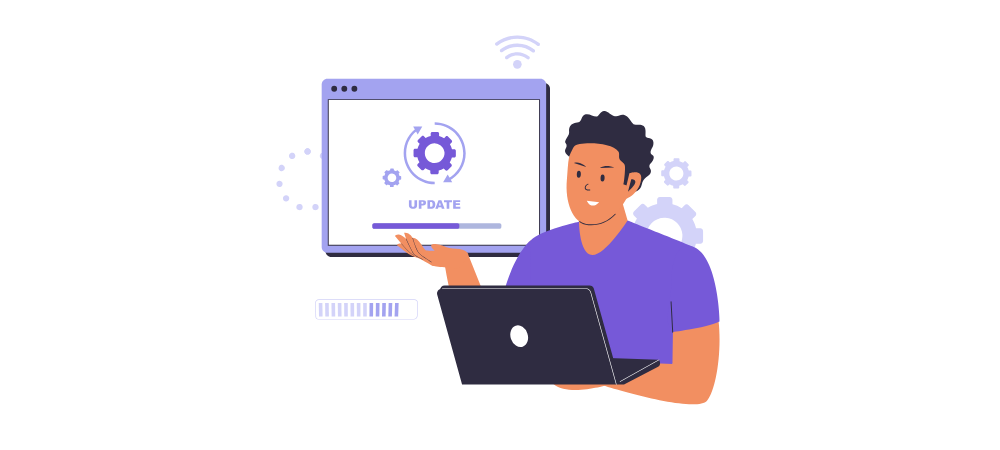
Software updates often contain important security fixes that protect against newly discovered vulnerabilities. Delaying updates for days or weeks can leave devices exposed to threats that have already been addressed by software vendors.
If your computer asks for a restart after an update, don’t put it off indefinitely. Those updates frequently require a reboot before protections become fully active.
✅ Best Practice: Restart your computer at least once a week and whenever critical updates require it. Small habits like this help keep both your device and your organization’s data secure.
🛠 We’re Always Here for You
If you’re experiencing any IT issues—big or small—and if you are looking for an MSP in the D.C. Metro Area, don’t hesitate to reach out. Whether it’s a quick fix, a system concern, or just a question about best practices, our team is ready to help.
📧 Email us anytime at sales@beinetworks.com
📞 Or give us a call at your usual support number 703.528.8300
Your uptime, security, and peace of mind are our top priorities. Let us know how we can support you today.

