

BEI Monthly Newsletter – September 2026
Get Ready for Q4: Secure, Optimize, and Finish Strong
Can you believe we’re already heading into the final quarter of the year? September is a great time to take a step back, evaluate what’s working, and make sure your technology is helping your business finish the year strong.
Whether it’s improving cybersecurity, optimizing Microsoft 365, or planning for upcoming projects, small technology improvements today can help prevent bigger challenges tomorrow.
This September, we are sharing:
- Featured Blog: Could Your Business Operate Without Email for 24 hours?
- Tips & Tricks: 5 Quick Ways to Improve Productivity and Security
- Featured Service: Structured Cabling & Site Surveys
- What’s New in Microsoft?
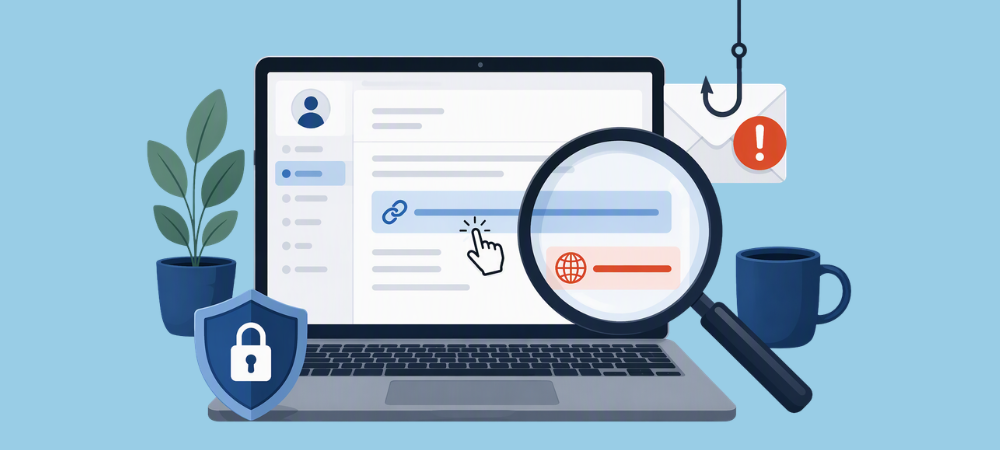
- Ask BEI: What’s the easiest way to know if an email is a phishing attempt?
- Cybersecurity Corner: Why Password Managers Are Still One of the Best Security Investments
Featured Blog: Could Your Business Operate Without Email for 24 Hours?

Email is at the center of most business operations, yet many organizations don’t realize how much they depend on it until it’s unavailable. This article explores the impact email downtime can have on communication, productivity, customer service, and business continuity.
The article also highlights why proactive planning, reliable backups, and business continuity strategies are essential for minimizing disruption when unexpected outages occur. Understanding the risks can help businesses better prepare for the unexpected and keep operations running smoothly when communication tools are unavailable.
5 Quick Ways to Improve Productivity and Security
Use Microsoft Teams channels instead of lengthy email chains
Keep project discussions, files, and decisions organized in one place so team members can quickly find information without digging through inboxes.
Enable Multi-Factor Authentication (MFA)
Many updates and maintenance tasks run after business hours.
Clean up old files and folders
Taking time to organize and remove outdated content can make it easier to locate important documents and improve team efficiency.
Pin your most-used applications in Microsoft 365
Customize your workspace by pinning frequently used apps so you can access them faster throughout the day.
Review shared permissions regularly
Regular permission reviews help ensure sensitive company data is only accessible to the people who currently need it.
Featured Service: Unified Communications

Ask BEI: Tech Questions, Answered.
What’s New in Microsoft?
Copilot Can Now Do Even More With Your Content
Microsoft continues expanding Copilot capabilities across Microsoft 365. New features help users create presentations, translate entire PowerPoint decks, generate new documents from existing OneDrive and SharePoint content, and streamline project management with enhanced Planner integrations.
Why it matters: These updates help employees spend less time creating content from scratch and more time focusing on meaningful work.
Windows 11 Gets Performance and Usability Improvement
Recent Windows 11 updates introduce a faster File Explorer experience, smoother navigation enhancements, and improvements to system reliability. Microsoft also continues refining the overall user experience with updates to sharing options and system management features.
Why it matters: Everyday tasks become faster and more efficient, helping users work more productively throughout the day.
Microsoft 365 Companion Apps Are Being Retired
Microsoft has announced that the Microsoft 365 companion apps for Calendar, People, and Files will be retired by December 2026. Automatic installations have already begun winding down as Microsoft shifts focus to integrated Microsoft 365 experiences.
Why it matters: Users should become familiar with accessing these features directly through Microsoft 365, Outlook, Teams, and OneDrive to ensure a smooth transition.
Cybersecurity Corner: Don’t Ignore Update Prompts
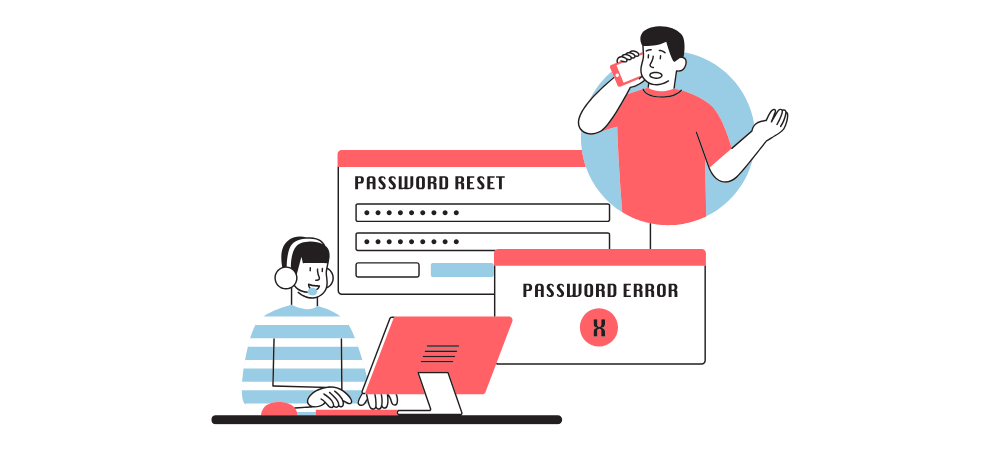
Many cyber incidents begin with weak, reused, or compromised passwords. A password manager helps users generate and securely store unique passwords for every account, eliminating the need to remember dozens of complex credentials.
Using a password manager reduces the temptation to reuse passwords and can greatly improve overall account security. Combined with Multi-Factor Authentication (MFA), it creates a much stronger defense against unauthorized access.
BEI Tip: Start with your email account. Since email is often the gateway to password resets and sensitive information, securing it with a unique password and MFA provides one of the biggest security benefits.
🛠 We’re Always Here for You
If you’re experiencing any IT issues—big or small—and if you are looking for an MSP in the D.C. Metro Area, don’t hesitate to reach out. Whether it’s a quick fix, a system concern, or just a question about best practices, our team is ready to help.
📧 Email us anytime at sales@beinetworks.com
📞 Or give us a call at your usual support number 703.528.8300
Your uptime, security, and peace of mind are our top priorities. Let us know how we can support you today.
