
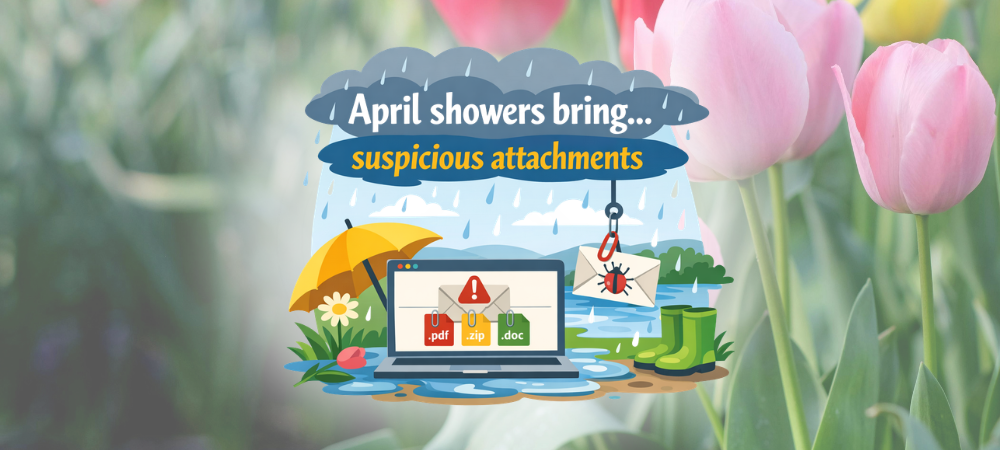
April Showers Bring Suspicious Attachments
Spring is in the air, so are emails that bring suspicious attachments! Flowers are blooming, inboxes are filling… and unfortunately, cybercriminals are taking advantage of the season too.
Just like April showers, suspicious email attachments tend to show up when you least expect them. These messages often look harmless on the surface such as an invoice, a shared document, a delivery notice. However, a single click can lead to malware, credential theft, or even a full‑scale security incident.
Why Spring Is Prime Time for Phishing
Cybercriminals know people are busy and distracted this time of year. Tax season, spring cleaning, travel planning, and end‑of‑quarter tasks all create the perfect conditions for quick clicks and missed red flags.
Attackers commonly disguise malicious attachments as:
- Invoices or payment confirmations
- Shipping or order updates
- Shared documents (PDFs, Word files, ZIP files)
- HR or benefit-related notices
- “Urgent” messages that demand immediate action
Once opened, these attachments can install malware, trigger ransomware, or redirect users to fake login pages designed to steal credentials.
Red Flags to Watch For
Before opening any attachment, take a moment to pause and look for warning signs:
- You weren’t expecting the file
Even if it appears to come from someone you know, unexpected attachments deserve extra scrutiny. - Urgent or threatening language
Messages that pressure you to act “immediately” are often trying to bypass your good judgment. - Unusual file types or names
ZIP files, oddly named PDFs, or double extensions (like Invoice.pdf.exe) are major red flags. - Sender details don’t quite match
Display names can be spoofed, always check the actual email address. - Poor grammar or formatting
Not always obvious, but often present in malicious emails.
Think Before You Click the Suspicious Attachments
Attachments are one of the most common ways attackers deliver malware. If you’re unsure:
- Don’t open the attachment
- Don’t click links
- Don’t reply to the sender
- Report to IT for verication
Spring Cleaning Tip for Your Inbox
Just like you clean out closets in the spring, it’s a great time to clean up email habits:
- Delete old or suspicious emails or messages
- Report phishing attempts instead of ignoring them
- Stay alert, even familiar senders can be compromised
When in Doubt, Report It
Cybersecurity isn’t just about tools and technology, it’s about awareness.
If something feels off, trust your instincts and report it. One cautious click can make all the difference.
April showers might bring flowers, but they don’t have to bring suspicious attachments. Stay alert, stay secure, and when in doubt, send it to IT.

