

Microsoft 365: Features You’re Paying For But Probably Not Using
Microsoft 365 is the go-to productivity platform for many organizations. It’s where email, documents, meetings, and team collaboration all come together. Yet, for most teams, everyday use only scratches the surface of what their subscription actually includes.
Multiple industry reports and Microsoft’s own resources reveal a clear trend: organizations lean heavily on Outlook, Teams, Word, and Excel, but often ignore a wide range of built-in tools that are already licensed and ready to use. These features can help cut down on manual work, boost collaboration, and improve security. All without adding new software or extra costs.
Here are some of the most commonly overlooked Microsoft 365 features—and why you should consider taking advantage of them.
Power Automate: Workflow Automation Without Extra Software
Power Automate is included in many Microsoft 365 business plans, yet it’s frequently ignored. It allows users to create automated workflows between apps such as Outlook, Teams, SharePoint, OneDrive, and Excel.
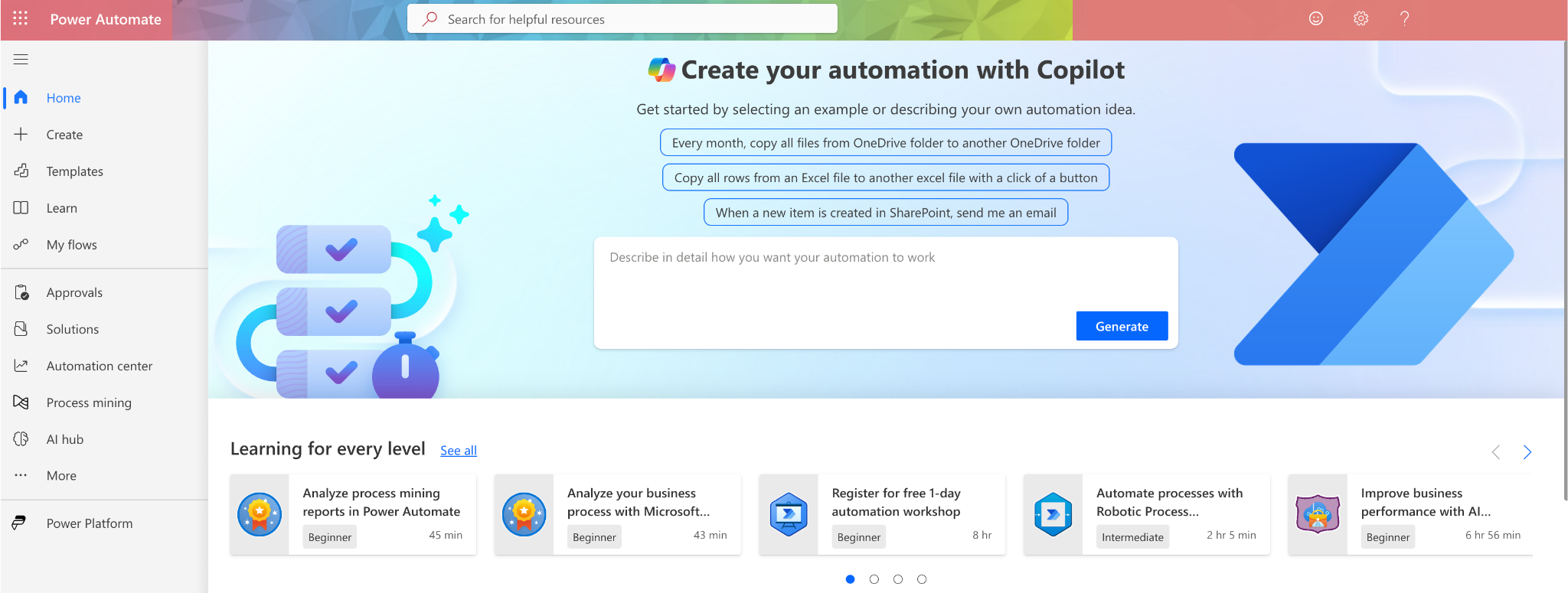
Organizations often continue performing repetitive tasks manually like saving email attachments, routing approvals, sending notifications even though Power Automate can handle those processes automatically. The value isn’t in complex automation, but in removing small, repeated actions that quietly consume hours every week.
Microsoft Lists: Structured Tracking Without Spreadsheet Chaos
Many teams rely on shared Excel files to track projects, assets, issues, or requests. Microsoft Lists provides a more structured alternative and is already part of Microsoft 365.
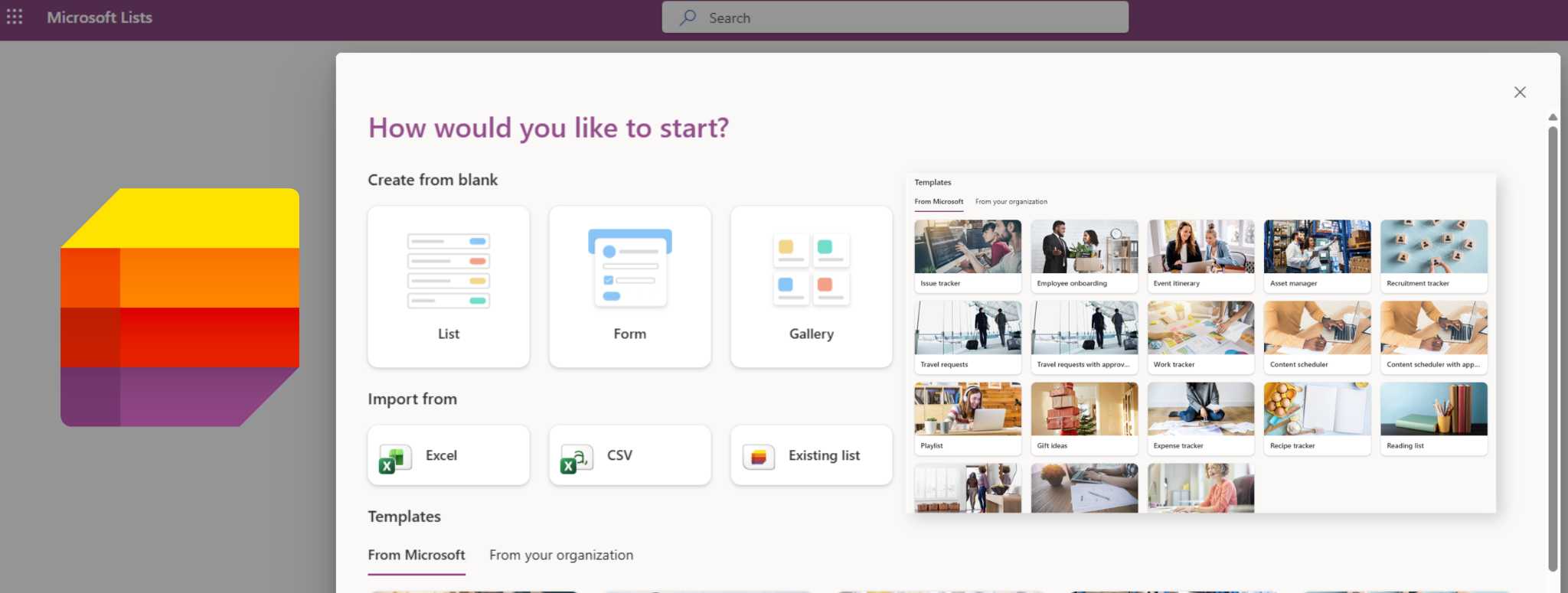
Lists offer predefined templates, version control, permissions, and native integration with Teams and SharePoint. Instead of managing multiple versions of the same spreadsheet, teams can use a single, shared list that stays consistent and searchable across Microsoft 365 apps.
Outlook Quick Steps: Email Automation Hidden in Plain Sight
Outlook Quick Steps is a long‑standing feature that remains widely underused. It allows users to bundle common email actions such as replying, forwarding, categorizing, or filing into a single click. We also overlooked this feature until we explored it ourselves.
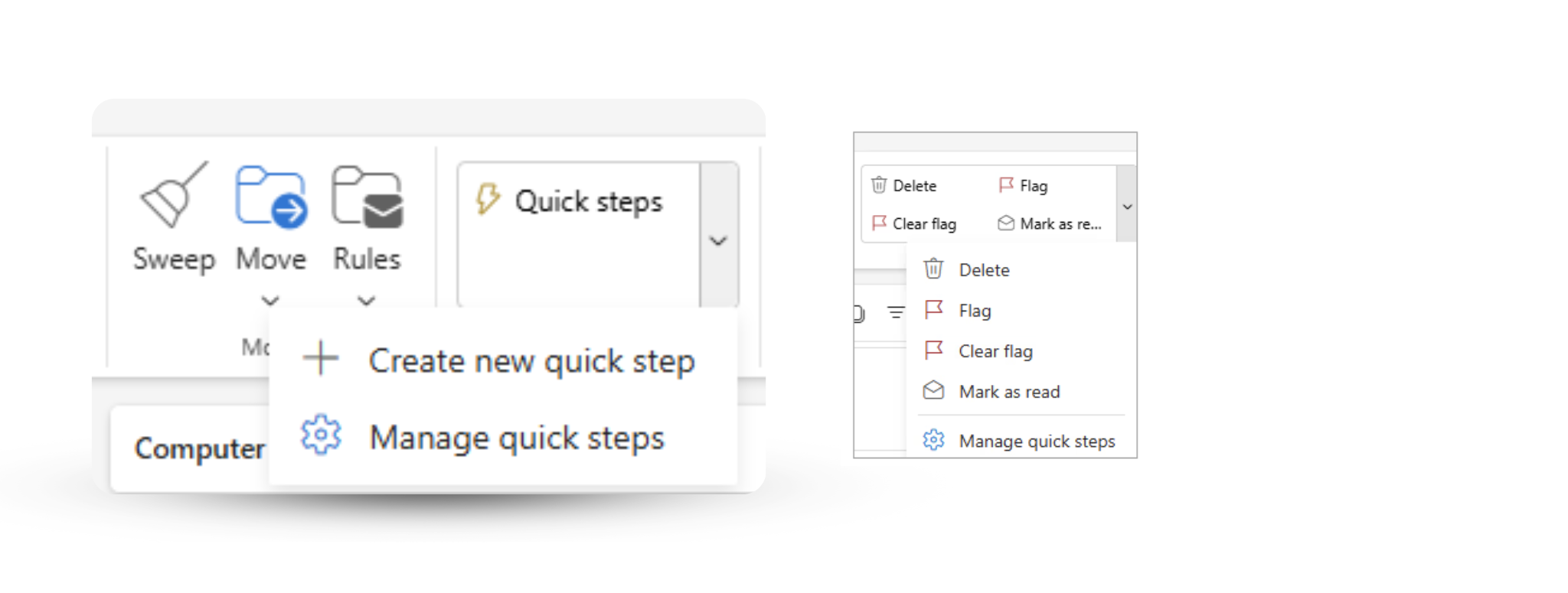
For roles that deal with high email volume, Quick Steps can standardize workflows and reduce repetitive handling of messages. Additionally, streamlining processes to minimize the number of required clicks. Despite being available for years, many users are unaware it exists or underestimate its impact on daily email management.
Microsoft Search: One Search Box Across the Entire Workspace
Microsoft 365 includes a unified search experience that works across apps like Outlook, Teams, SharePoint, and OneDrive. Instead of searching each app separately, users can find documents, conversations, meetings, and people from a single search bar.

© Microsoft
This capability is often overlooked, leading to time wasted navigating folders or re‑requesting files that already exist. When fully adopted, Microsoft Search reduces friction by surfacing relevant content based on context and permissions.
Viva Insights (formerly MyAnalytics): Visibility Into How Work Actually Happens
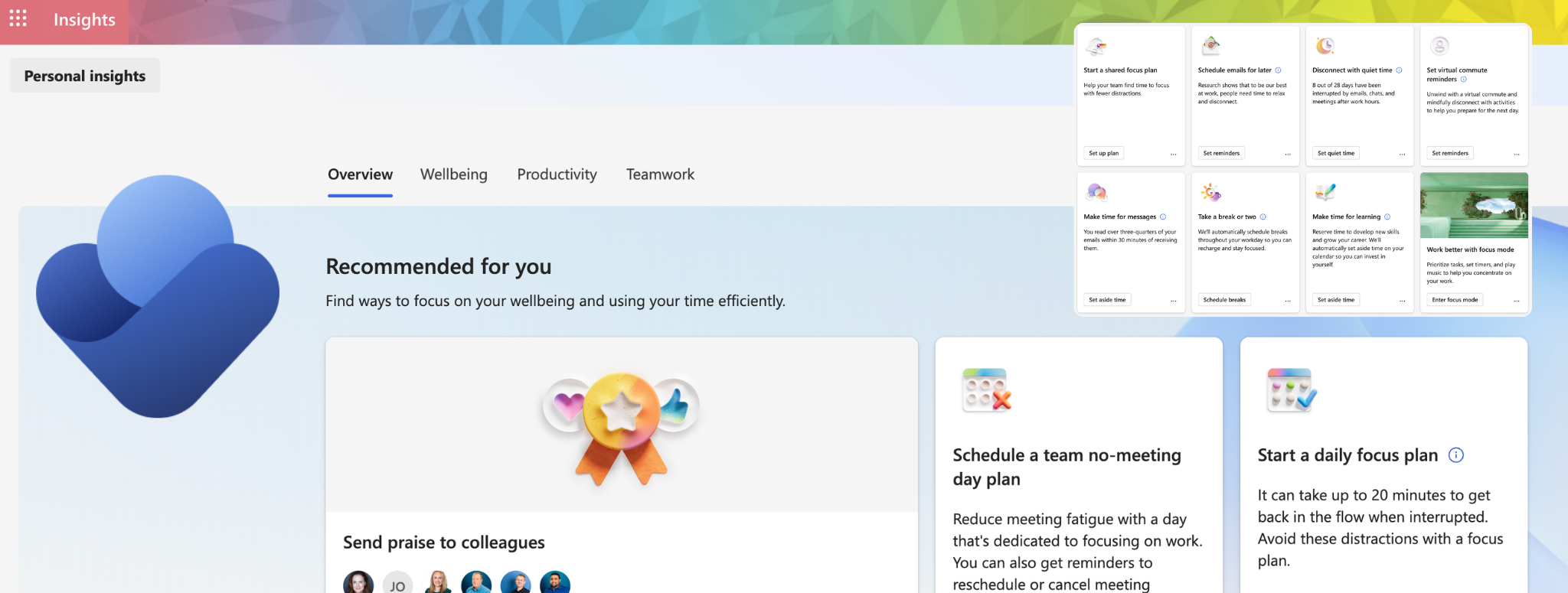
Viva Insights provides individuals and organizations with data about work patterns—such as meeting load, focus time, and collaboration habits. It’s included in many Microsoft 365 plans but rarely explored beyond initial exposure.
Rather than acting as a monitoring tool, Viva Insights is designed to help people understand how their time is spent and identify opportunities to improve focus and balance. Without adoption, these insights remain unused despite being readily available.
Microsoft 365 Copilot: Licensed but Lightly Used
Microsoft 365 Copilot is one of the most visible additions to the platform, yet many organizations struggle to move beyond experimental use. Copilot is designed to work directly inside Word, Excel, Outlook, PowerPoint, and Teams, helping users draft, summarize, analyze, and organize content using their existing data.

Microsoft documentation emphasizes that Copilot’s value depends on consistent, contextual usage rather than occasional experimentation. Without adoption guidance, licensed users often revert to old habits, leaving much of the potential unrealized.
Why These Features Go Unused
If Microsoft 365 includes so many powerful capabilities, why do most organizations use only a fraction of them? The answer isn’t a lack of licensing or even awareness, it’s how work actually happens inside organizations.
- Microsoft 365 has always been marketed as simple. It is but it’s also not. It can be simple but the many features it has make it complex and layered with different tools.
- Features are enabled, but adoption is not owned. M365 users should understand their available tools and help ensure effective use.
- Teams underestimate long-term impact and never start.
However, it is both safe and recommended to explore these features and applications. Alternatively, you may consult your IT provider for further information regarding the purpose of these applications.
Getting More Value From What You Already Own
Unlocking more value from Microsoft 365 doesn’t require buying additional licenses or deploying new platforms. It starts with awareness, small experiments, and targeted adoption of features that already align with existing work patterns.
For many organizations, even modest use of automation, structured tracking, and built‑in insights can produce meaningful improvements, without changing the tools employees already use every day.

