

BEI Monthly Newsletter – April: Rainy Day Readiness
April always feels like a reset. The weather shifts, routines change, and everything starts moving a little faster. This month is all about spring momentum: keeping your day-to-day work smooth while quietly strengthening the things that protect it.
Here’s what we’re sharing this month:
- Featured Blog: April Showers Bring Suspicious Attachments
- Copilot Quick Prompts – Tips & Tricks
- SharePoint Support & Optimization
- What’s New in Microsoft
- Cybersecurity Corner: One Habit That Prevents “Oops”
💬 We’d love to hear from you! If there’s a topic you’d like us to cover or a question you want answered, feel free to suggest it. This newsletter is for you—and your input helps us make it even better.
Featured Blog: April Showers Bring Suspicious Attachments
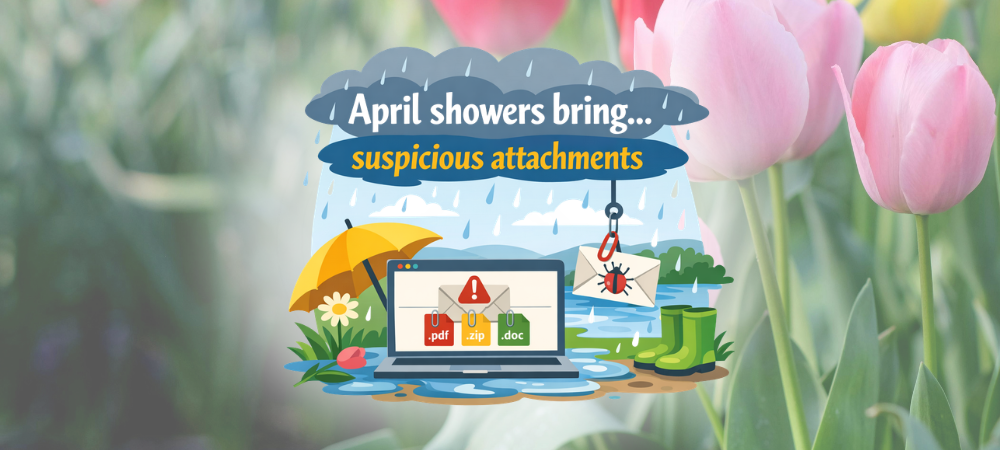
Even friendly‑looking emails can carry unexpected risks especially this time of year when invoices, “updated statements,” and shared documents start flying around.
Look for small red flags like generic greetings, urgent payment language, mismatched sender addresses, or attachments you weren’t expecting. Remember that it’s always okay to ask IT to take a quick look before you open anything.
This blog breaks down what to watch for and how to pause before you click.
Copilot Quick Prompts – Tips & Tricks
Here are a few quick Copilot wins you can try this month of April:
Turn a Messy Week Into a Plan
“Help me prioritize tasks for a busy week.”
Use Copilot to quickly organize your tasks, identify top priorities, and outline actionable steps. This prompt helps you transform chaos into a clear, manageable plan so you can stay focused and productive all week long.
Instant Meeting Prep
“Draft a meeting agenda for our [topic] meeting.”
Just specify your meeting topic, and Copilot will generate a structured agenda, including discussion points, goals, and timing.
Make Process Clearer
“Create a workflow diagram for our [process].”
Simply describe your process, and Copilot will turn it into a visual flowchart. This helps your team understand each step, improves transparency, and makes onboarding or training smoother.
SharePoint Support & Optimization

What’s New in Microsoft?
Microsoft Teams
Microsoft added enhancements around calling and voice features in Teams, including improved setup options for Teams Phone users.
SharePoint
Microsoft is continuing its shift away from “classic” SharePoint toward modern, AI experiences. This includes stronger ties between SharePoint, Copilot, and Power Automate.
Microsoft Copilot
Microsoft adjusted how Copilot Chat works inside Microsoft apps. Users without a paid Copilot license may notice Copilot is no longer available directly inside apps like Word or Excel, while Copilot access remains available through Outlook and the Copilot app.
Cybersecurity Corner: One Habit That Prevents “Oops”

Treat Attachments Like Deliveries
Attachments are one of the most common ways threats sneak in. Not because people are careless, but because the email looks normal. A simple habit helps: pause, scan, and verify before opening anything unexpected.
If you’re unsure, use your reporting tools first. Best practice reminders include: don’t click links, don’t open attachments, and send suspicious items to IT Support for review.
With the use of CatchPhish, you can analyze emails directly in Outlook and forward concerns to support when something doesn’t look right. CatchPhish is a tool where you can report any phishy emails, take trainings, and celebrate successful identification.
🛠 We’re Always Here for You
If you’re experiencing any IT issues—big or small—and if you are looking for an MSP in the D.C. Metro Area, don’t hesitate to reach out. Whether it’s a quick fix, a system concern, or just a question about best practices, our team is ready to help.
📧 Email us anytime at sales@beinetworks.com
📞 Or give us a call at your usual support number 703.528.8300
Your uptime, security, and peace of mind are our top priorities. Let us know how we can support you today.

