
BEI Monthly Newsletter – October 2026
Cybersecurity Awareness Month: Lock It Down
October is Cybersecurity Awareness Month, making it the perfect time to take a closer look at the digital doors we leave open every day. From email accounts and cloud applications to laptops and mobile devices, even small security habits can make a big difference in keeping your business protected.
The good news? Cybersecurity doesn’t have to be complicated. A few simple actions, such as using strong passwords, enabling multi-factor authentication, and staying alert to suspicious emails, can help reduce risk and prevent costly disruptions.
This October, we are sharing:
- Featured Blog: Lock It Down: Don’t Leave the Door Open for Cybercriminals
- Top 5 Cybersecurity Tips and Tricks
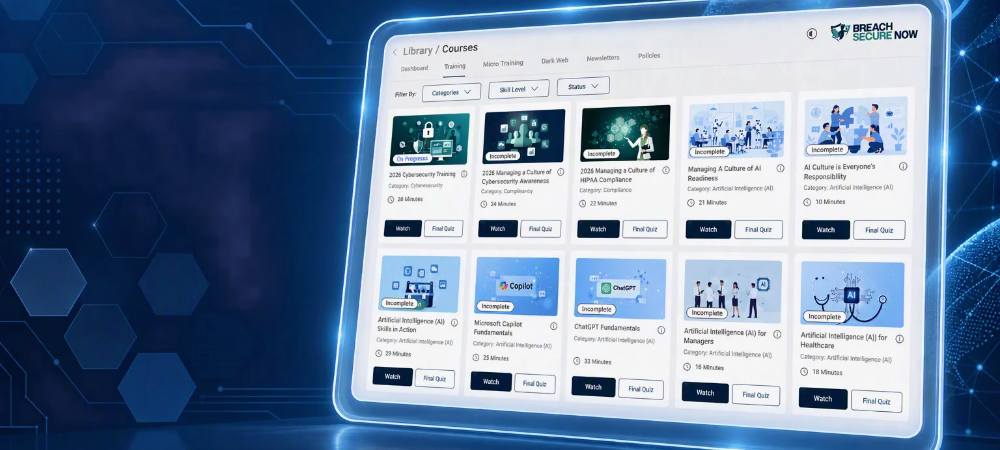
- Featured Service: BEI’s Cybersecurity Training
- What’s New in Microsoft?
- Ask BEI: Why shouldn’t I use my work email to sign up for personal websites and apps?
- Cybersecurity Corner: Protecting Your Family from Online Scams
Featured Blog: Lock It Down: Don’t Leave the Door Open for Cybercriminals

Cybercriminals are constantly looking for easy ways into business networks, and many attacks succeed because of simple oversights. Weak passwords, outdated software, unsecured devices, and phishing emails can all create opportunities for bad actors to gain access.
In this month’s featured blog, we explore some of the most common security gaps businesses face and provide practical recommendations for reducing risk. Whether you’re a business owner, manager, or employee, understanding these vulnerabilities is an important step toward building a stronger security posture.
Top 5 Cybersecurity Tips & Tricks for Cybersecurity Awareness Month
Turn on Multi-Factor Authentication (MFA)
wherever possible. One extra verification step can stop many unauthorized login attempts.
Use unique passwords for every account.
A password manager can help you create and store strong passwords securely.
Think before you click.
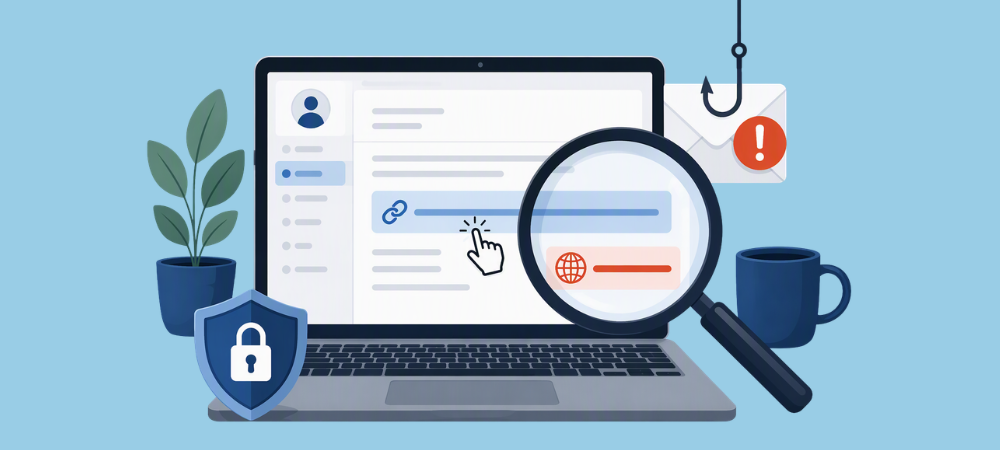
Hover over links before opening them and be cautious of unexpected attachments or urgent requests.
Keep devices and software updated.
Security patches often dix vulnerabilities that cybercriminals actively target.
Review file sharing permissions regularly
Make sure sensitive documents in Microsoft 365, SharePoint, and OneDrive are only accessible to the right people.
Featured Service: Cybersecurity Training
Ask BEI: Tech Questions, Answered.
What’s New in Microsoft?
Microsoft Continues to Push Passwordless Sign-Ins
Microsoft continues to encourage users to move beyond traditional passwords by supporting passwordless sign-in methods such as Microsoft Authenticator, passkeys, and Windows Hello. These options can help reduce the risk of stolen passwords and phishing attacks.
Why it matters: Passwords remain one of the most common targets for cybercriminals. Passwordless authentication adds an extra layer of protection.
Increased Protection Against Phishing Attacks
Microsoft continues to enhance phishing detection across Outlook and Microsoft 365 to help identify suspicious emails before they reach users. New protections focus on detecting malicious links, spoofed senders, and emerging phishing techniques.
Why it matters: Phishing remains one of the most common cyber threats, making email security more important than ever.
Built-In Security Recommendations in Microsoft 365
Microsoft 365 continues to expand security insights and recommendations that help organizations identify opportunities to improve their overall security posture. These recommendations make it easier to adopt cybersecurity best practices and reduce risk.
Why it matters: Small security improvements can have a big impact on protecting business data and user accounts.
Cybersecurity Awareness Month: Protecting Your Family from Online Scams
Cybersecurity Awareness Month is a great reminder that online safety doesn’t stop at the office. Cybercriminals target individuals every day through text messages, social media, online marketplaces, and email, often using urgent messages like missed deliveries, account alerts, or limited-time offers to encourage quick reactions.
Taking a few moments to verify a message before clicking a link or sharing personal information can help protect both you and your loved ones. Talking with family members, especially older relatives and teens, about common scams is one of the simplest ways to build safer online habits at home.
BEI Tip: This Cybersecurity Awareness Month, challenge your family to pause, verify, and think before they click. A few extra seconds can prevent hours of frustration and help keep personal information secure.
🛠 We’re Always Here for You
If you’re experiencing any IT issues—big or small—and if you are looking for an MSP in the D.C. Metro Area, don’t hesitate to reach out. Whether it’s a quick fix, a system concern, or just a question about best practices, our team is ready to help.
📧 Email us anytime at sales@beinetworks.com
📞 Or give us a call at your usual support number 703.528.8300
Your uptime, security, and peace of mind are our top priorities. Let us know how we can support you today.
